

実装ガイド
目次
ガイドの言語:言語情報なし
Agora Clinic Appointment Assistant Demo
1. Overview
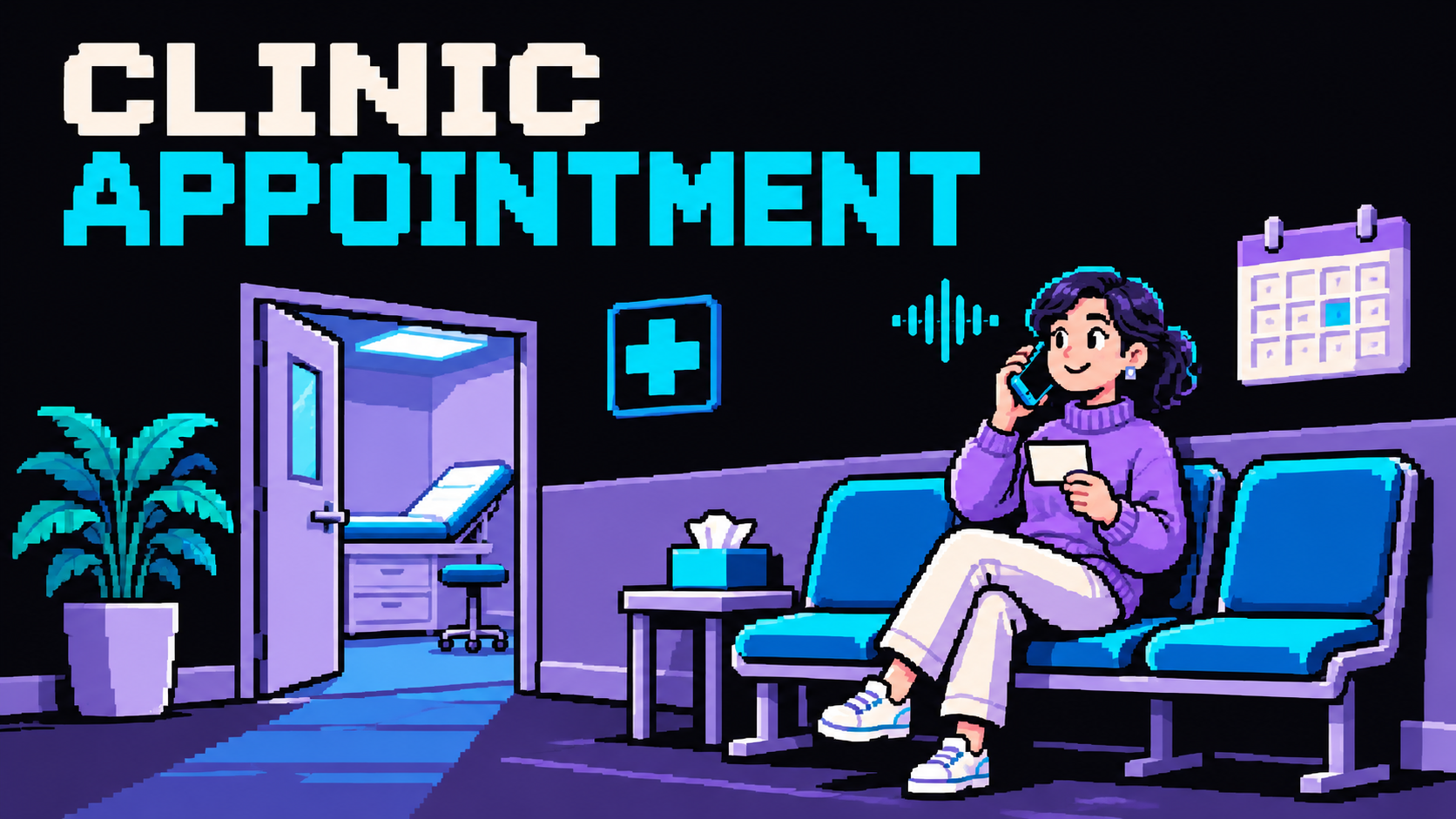
Ask clinic questions and discuss appointment needs through a voice conversation. This first version is conversation-only. No business data lookup, external tools, database, record writes, saved results, or cross-session business history are available. Keep user-provided details only in the current conversation. Never claim an order, appointment, registration, feedback submission, callback, payment, shipment or other external action was created, saved or completed. Offer a verbal summary and explain the appropriate human next step instead. Do not request passwords, verification codes, payment details or unnecessary personal identifiers.
2. Try the Demo
Run the app using local setup. Choose Talk to clinic reception, allow microphone access and try:
- What are the clinic hours and accessibility arrangements?
- I would like to discuss a routine appointment.
- Someone has severe chest pain. What should I do?
Ask for a verbal recap before ending. Only the current page retains the transcript and session diagnostics; no business record is created.
3. Architecture & Tech Stack
The browser uses Agora RTC for audio and RTM for transcript and Agent events. Next.js only signs credentials and starts/stops the managed Agent. No business session, data API, local file store or persistent application database is required. Native Node.js, Docker and a Next.js-compatible serverless deployment use the same conversation flow. Actual hosted voice acceptance remains a separate check.
Next.js 16, React 19, TypeScript, agora-agents, Agora RTC/RTM and the adopted agent-ui components provide the existing voice lifecycle.
4. Prerequisites & Configuration
Use Node.js 22+, pnpm 9.15.9 and an Agora project with RTC, Signaling and Conversational AI. Configure env.local.example in .env.local.
| Variable | Required | Exposure |
|---|---|---|
NEXT_PUBLIC_AGORA_APP_ID | Yes | Public; build and runtime |
NEXT_AGORA_APP_CERTIFICATE | Yes | Server runtime only |
The default managed pipeline needs no vendor key. Business-tool origins and business-storage variables are not used.
5. Quick Start
pnpm install --frozen-lockfile
pnpm run doctor
pnpm run dev
Create .env.local from env.local.example only when absent, fill the two required values, and open http://localhost:3000. Keep existing credentials when reusing a checkout.
6. How It Works
The start action requests a combined RTC/RTM token and starts the managed Agent with only requester_id and channel_name. The assistant follows lib/agent-config.ts. No business session is created before voice startup, and legacy tool environment variables cannot enable business operations.
See current capabilities for the conversation boundary and verification guidance for checks.
Each session ends automatically after 10 minutes; choose Start again to continue.
7. Customize for Your Business
Edit lib/agent-config.ts for the role, workflow, greeting and static public reference material. Edit lib/presentation.ts for the scenario entry and visible identity. Keep lib/runtime-profile.ts aligned with the invite route. Adding business integrations is outside this first version.
8. Deployment & Validation
Follow deployment instructions. Run pnpm run verify; run pnpm run verify:docker separately when checking the container. Supply the public App ID at build and runtime and keep the App Certificate server-only.
Mocked startup and build checks do not establish real speech quality or hosted connectivity. Verify actual two-way speech, transcript, interruptions, error handling and clean stop with real project credentials.
Usage FAQ
Choose FAQ in the header to read scenario-specific usage answers in a right-side drawer. It is available before starting a conversation and does not start a session.
# Agora Clinic Appointment Assistant Demo

## 1. Overview

Ask clinic questions and discuss appointment needs through a voice conversation. This first version is conversation-only. No business data lookup, external tools, database, record writes, saved results, or cross-session business history are available. Keep user-provided details only in the current conversation. Never claim an order, appointment, registration, feedback submission, callback, payment, shipment or other external action was created, saved or completed. Offer a verbal summary and explain the appropriate human next step instead. Do not request passwords, verification codes, payment details or unnecessary personal identifiers.

## 2. Try the Demo

Run the app using [local setup](https://github.com/AgoraIO-Community/agora-clinic-appointment-assistant-demo/blob/main/README.md#run-it). Choose `Talk to clinic reception`, allow microphone access and try:

- What are the clinic hours and accessibility arrangements?
- I would like to discuss a routine appointment.
- Someone has severe chest pain. What should I do?

Ask for a verbal recap before ending. Only the current page retains the transcript and session diagnostics; no business record is created.

## 3. Architecture & Tech Stack

The browser uses Agora RTC for audio and RTM for transcript and Agent events. Next.js only signs credentials and starts/stops the managed Agent. No business session, data API, local file store or persistent application database is required. Native Node.js, Docker and a Next.js-compatible serverless deployment use the same conversation flow. Actual hosted voice acceptance remains a separate check.

Next.js 16, React 19, TypeScript, agora-agents, Agora RTC/RTM and the adopted agent-ui components provide the existing voice lifecycle.

## 4. Prerequisites & Configuration

Use Node.js 22+, pnpm 9.15.9 and an Agora project with RTC, Signaling and Conversational AI. Configure `env.local.example` in `.env.local`.

| Variable | Required | Exposure |
| --- | --- | --- |
| `NEXT_PUBLIC_AGORA_APP_ID` | Yes | Public; build and runtime |
| `NEXT_AGORA_APP_CERTIFICATE` | Yes | Server runtime only |

The default managed pipeline needs no vendor key. Business-tool origins and business-storage variables are not used.

## 5. Quick Start

~~~bash
pnpm install --frozen-lockfile
pnpm run doctor
pnpm run dev
~~~

Create .env.local from env.local.example only when absent, fill the two required values, and open http://localhost:3000. Keep existing credentials when reusing a checkout.

## 6. How It Works

The start action requests a combined RTC/RTM token and starts the managed Agent with only requester_id and channel_name. The assistant follows lib/agent-config.ts. No business session is created before voice startup, and legacy tool environment variables cannot enable business operations.

See [current capabilities](https://github.com/AgoraIO-Community/agora-clinic-appointment-assistant-demo/blob/main/README.md#what-you-can-do) for the conversation boundary and [verification guidance](https://github.com/AgoraIO-Community/agora-clinic-appointment-assistant-demo/blob/main/AGENTS.md#verification-and-maintenance) for checks.

Each session ends automatically after 10 minutes; choose Start again to continue.

## 7. Customize for Your Business

Edit lib/agent-config.ts for the role, workflow, greeting and static public reference material. Edit lib/presentation.ts for the scenario entry and visible identity. Keep lib/runtime-profile.ts aligned with the invite route. Adding business integrations is outside this first version.

## 8. Deployment & Validation

Follow [deployment instructions](https://github.com/AgoraIO-Community/agora-clinic-appointment-assistant-demo/blob/main/README.md#deployment). Run pnpm run verify; run pnpm run verify:docker separately when checking the container. Supply the public App ID at build and runtime and keep the App Certificate server-only.

Mocked startup and build checks do not establish real speech quality or hosted connectivity. Verify actual two-way speech, transcript, interruptions, error handling and clean stop with real project credentials.

## Usage FAQ

Choose FAQ in the header to read scenario-specific usage answers in a right-side drawer. It is available before starting a conversation and does not start a session.